Color when it counts.
Amber and red icons flag resources that need attention. When everything is healthy, Signalbox clears itself from your menu bar.
 Signalbox
A color in your menu bar when your Mac needs attention. Check CPU load, memory pressure, disk space, and thermal state at a glance.
Download for Mac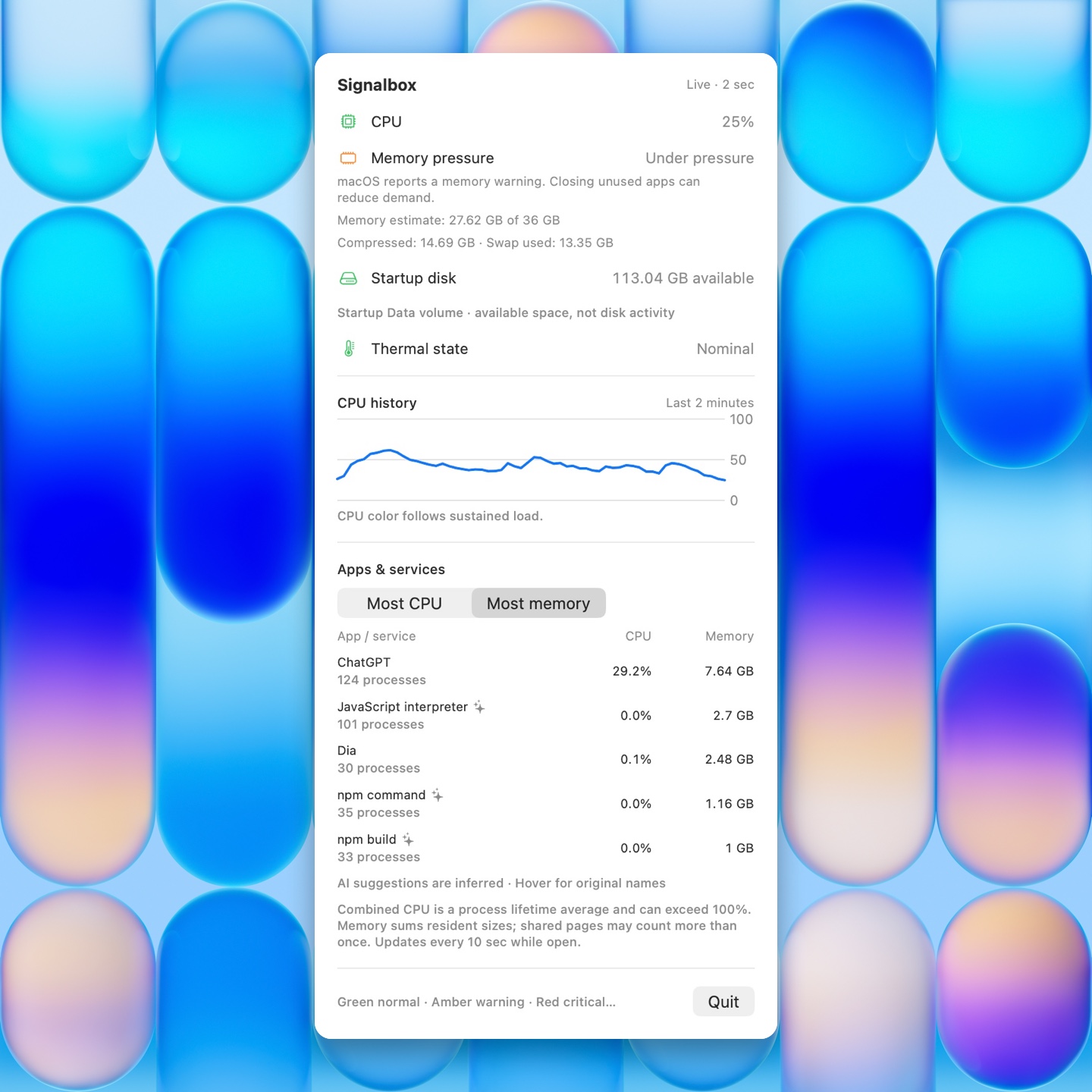
Amber and red icons flag resources that need attention. When everything is healthy, Signalbox clears itself from your menu bar.
Open the details for a two-minute CPU history and the five apps or services using the most CPU or memory. Helpers stay grouped with their app.
Monitoring runs locally. On compatible Macs, Apple Intelligence can suggest labels for unfamiliar processes on-device.
Download the ZIP, unzip it, and move Signalbox.app to Applications. Open Signalbox to start monitoring. Reopen it from Applications whenever you want to see details while the menu bar is clear.